Does FPS Affect Aim in Tarkov?
High FPS makes heavy guns overswing more when you aim, and low FPS slows your turns, most of all on a bipod or prone.
On this page (5)
Yes, and it cuts both ways on build 1.3.0.1. If you play uncapped, let heavy guns settle before you shoot, and near 30 FPS expect slow turns. A steady FPS cap keeps both the same all raid.
Does FPS affect aim in Tarkov?
Yes, but more FPS doesn't make your aim steadier. It makes overswing bigger.
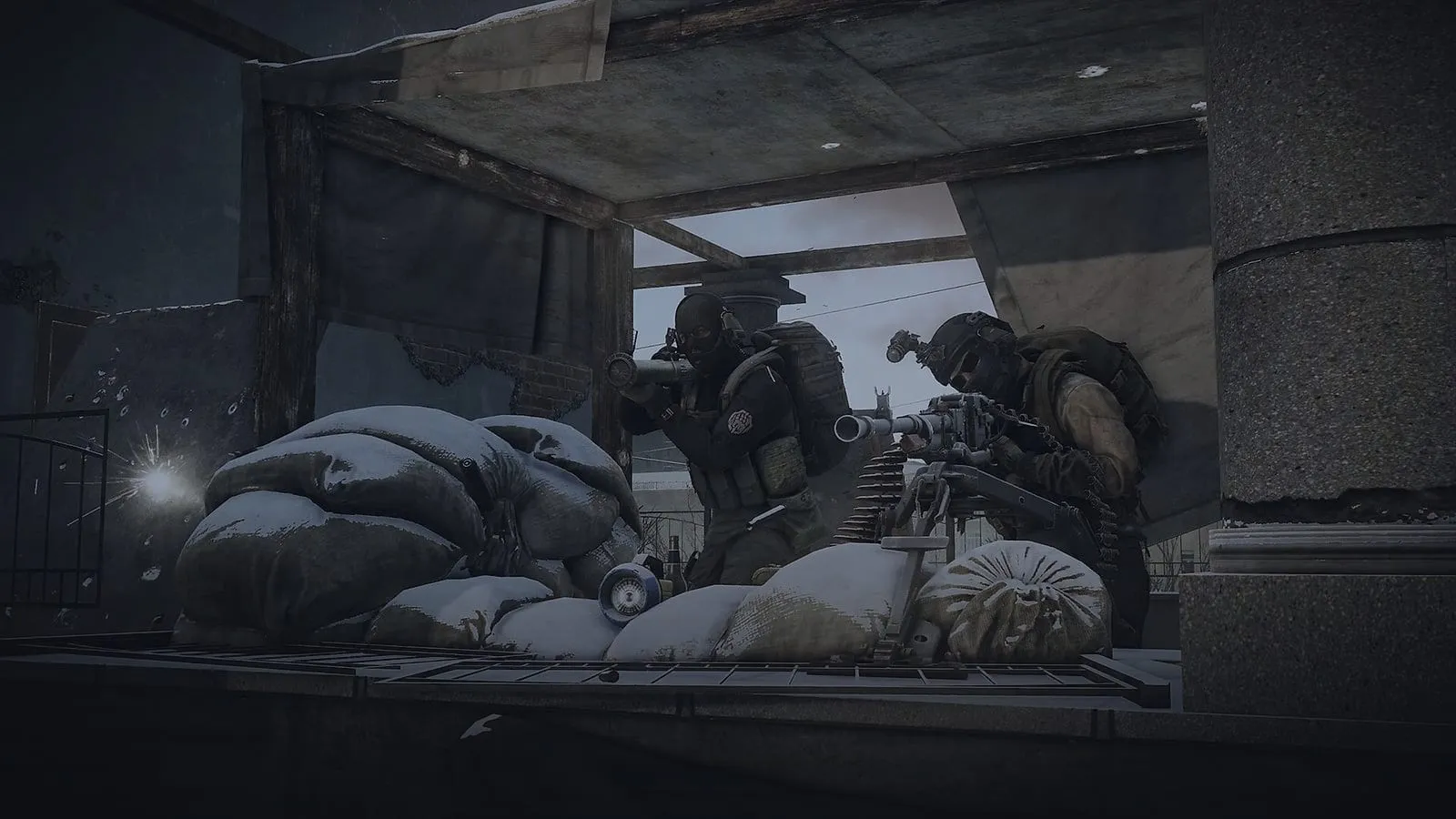
Overswing is the swing you see when you aim down sights with a heavy, low-ergonomics gun. The sight flies past your target, then drifts back onto it.
At high FPS, that swing grows. A live-raid test on the current patch shows an RPK-16 swinging far at about 515 FPS. At 30 and 61 FPS, it barely moves.
A second side-by-side test at 30 and 200 FPS shows the same thing.
That matters if you shoot early. In one test, shots fired mid-swing at high FPS landed off target. At low FPS, the gun stayed close to it.
You'll feel it on heavy, low-ergonomics guns, like the RPK-16 from the test. Two rules cover it:
- Heavy gun at high FPS: let the sight settle before the first shot. The swing ends where you aimed.
- Light, high-ergo gun: you'll barely notice, so play it as usual.
BSG hasn't commented on any of this, and no patch note mentions it.
What else in Tarkov is tied to your FPS?
Your turning, and here low FPS is the one that hurts. In one test, four situations cap how far you can turn in one frame. So the lower your FPS, the slower you turn:
| Situation | High FPS | Low FPS |
|---|---|---|
| Bipod or wall mount | Fast swing (144°/s at 144 FPS) | Slow swing (30°/s at 30 FPS) |
| Stationary gun (Utes, AGS) | Fast swing | Slow swing (same cap) |
| Prone | Faster turns | Slow turns |
| Sprinting | 180° in one mouse move | Several big swipes |
In that test, raising your sensitivity didn't help in these four situations. The cap counts degrees per frame, not how fast your mouse moves.
On a bipod, 1° per frame means 30° a second at 30 FPS and 60° at 60 FPS. At 100 FPS you get 100°, and 144 FPS gives 144°. From 30 to 100 FPS, that's more than 3x faster:
| 30 FPS | 30°/s |
|---|---|
| 60 FPS | 60°/s |
| 100 FPS | 100°/s |
| 144 FPS | 144°/s |
So a 180° swing on a bipod takes 6 seconds at 30 FPS and under 2 at 100. If someone flanks you on a bipod at 30 FPS, you won't turn in time.
A second test found the same when turning around. A 180° took one mouse swipe at a 240 FPS cap, and three or four at 30 FPS. Two fixes help in a fight:
- Need a 180 while sprinting: let go of Shift for a split second, flick, then sprint again. The cap only applies while you sprint.
- About to go prone: face your angle first. Prone still pays off, since bots spot you slower lying down, but turning there is slow.
Both fixes only work around the cap. Only a higher FPS makes these turns faster.
What FPS cap should you use in Tarkov?
Cap at an FPS your PC holds on its worst map, not its best one. Both effects shift with FPS, so a cap that holds keeps your aim and turns the same all raid.
Your FPS can drop from 140 to 60 on one map, depending on where you look. Pick by your setup:
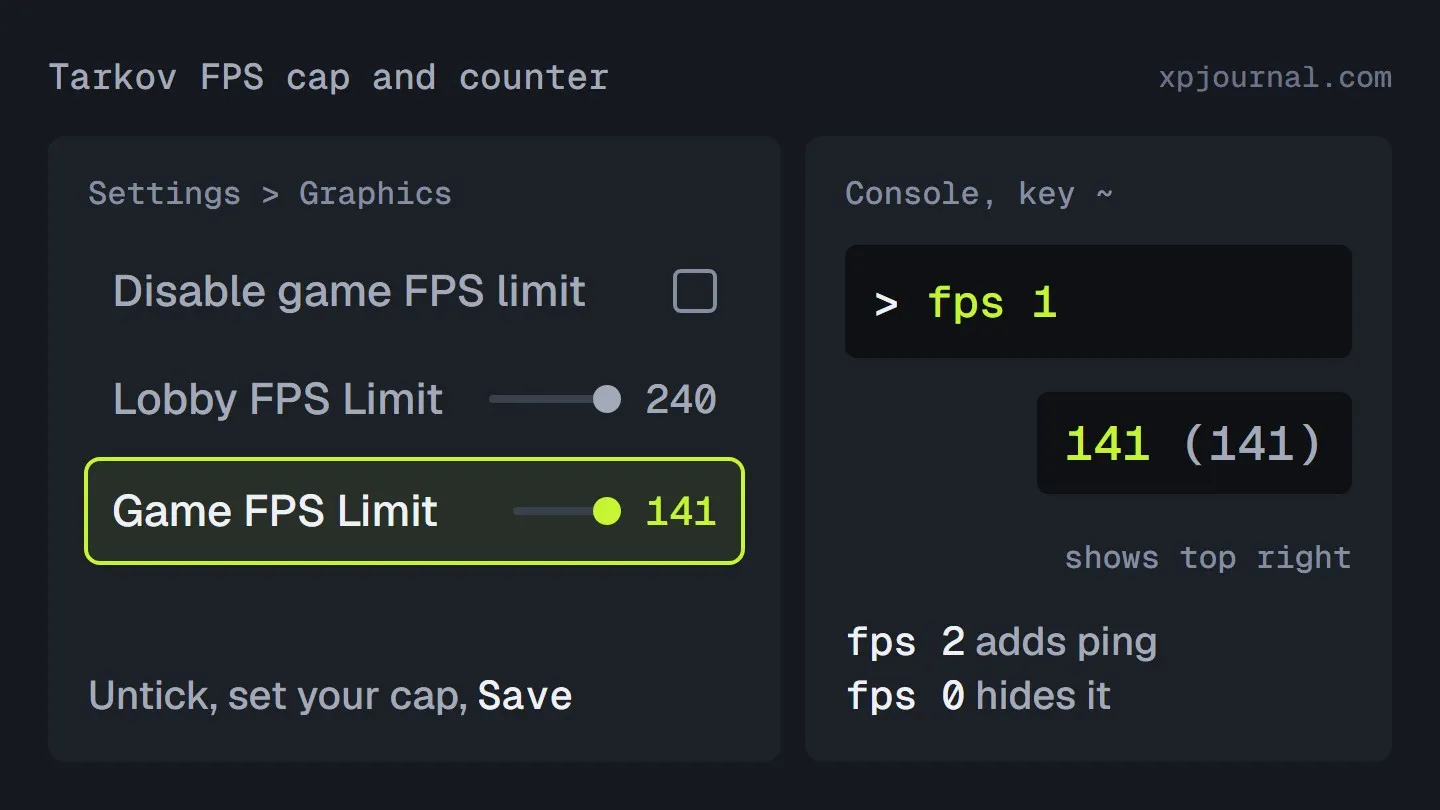
- Monitor with G-Sync or FreeSync: cap 3 FPS below your refresh rate, like 141 on a 144 Hz screen. Frames arrive evenly, and aiming feels less jarring.
- FPS dips hard on Streets: cap at what Streets holds, not what Factory does.
- PC stuck under 60 FPS: expect slow bipod, prone and sprint turns. In one test, the biggest jump came between 30 and 120 FPS.
- Thinking of capping low to kill overswing: skip it. You'd trade a swing you can wait out for turns you can't speed up.
Here's where the cap lives in the menu:
Open Settings and go to the Graphics tab.
Untick Disable game FPS limit if it's on.
Go to Settings > Graphics
Drag the Game FPS Limit slider to your cap.
Go to Settings > Graphics
Press Save.
Lobby FPS Limit sits right above it and only covers the menus, so it won't touch your aim.
How do you show the FPS counter in Tarkov?
Type fps 1 in the console, and the counter appears in the top right. To turn it on and off:
Press ~, the key under Esc, to open the console.
Type fps 1 and press Enter.
Press ~ again to close the console.
Type fps 0 in the console to hide the counter.
The counter shows your FPS with your limit in brackets, like 31 (30). fps 2 adds ping and packet loss, handy when a fight feels laggy rather than slow.
Play a few raids with it on and watch the low number on your worst map. Set your cap just under it, or 3 under your refresh rate if that's lower.
So hold one steady cap, and let the sight settle before you shoot.
FAQ
Will the Unity 6 update fix this?
Nobody knows yet. Update 1.3.5.0 moves Tarkov to Unity 6 in the second half of November. BSG's preview doesn't mention aiming or turning.
Was overswing removed from Tarkov?
Only for a while. Heavy guns stopped overswinging in April 2026, and the swing is back on build 1.3.0.1.
New Escape from Tarkov guides, straight to your inbox
Unsubscribe anytime. See our Privacy Policy.
More on Escape from Tarkov
How to Get Black Division Gear in Tarkov After the Wedge Nerf
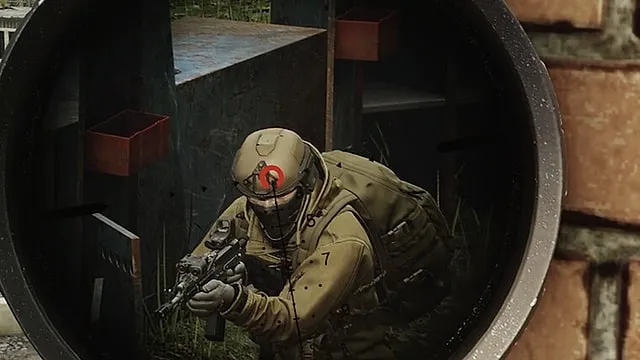
Tarkov AI Vision Explained: How Scavs, PMC Bots and Bosses Spot You, and How to Stay Unseen
Tarkov Season 2 Modifiers: Full UNTAR Control List With Point Costs and 2 Builds
Read next
ROB RUN Anti-Cheat: How Bans Work and How to Report Cheaters
How to Make Money Fast in GTA 6 (and Keep It After Chapter 1)